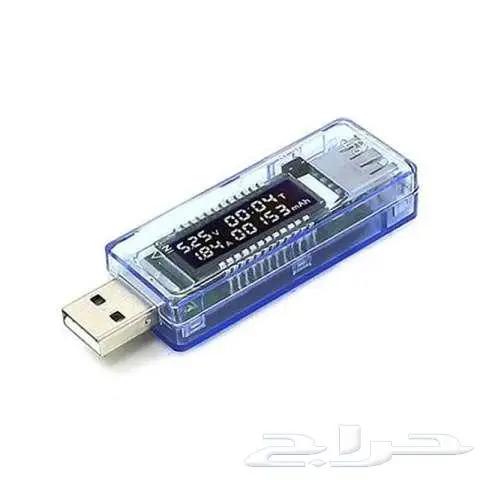
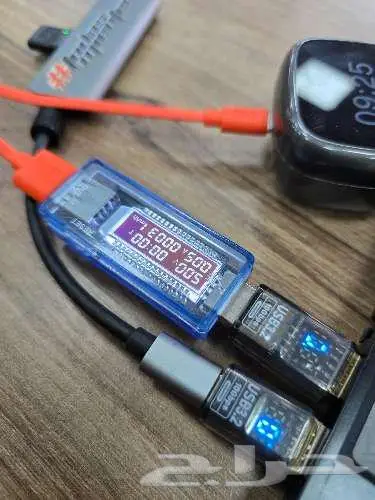
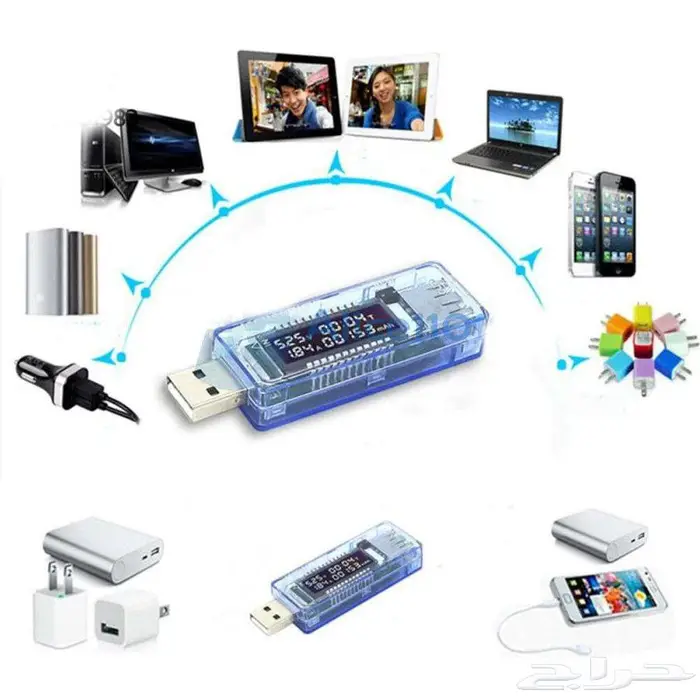
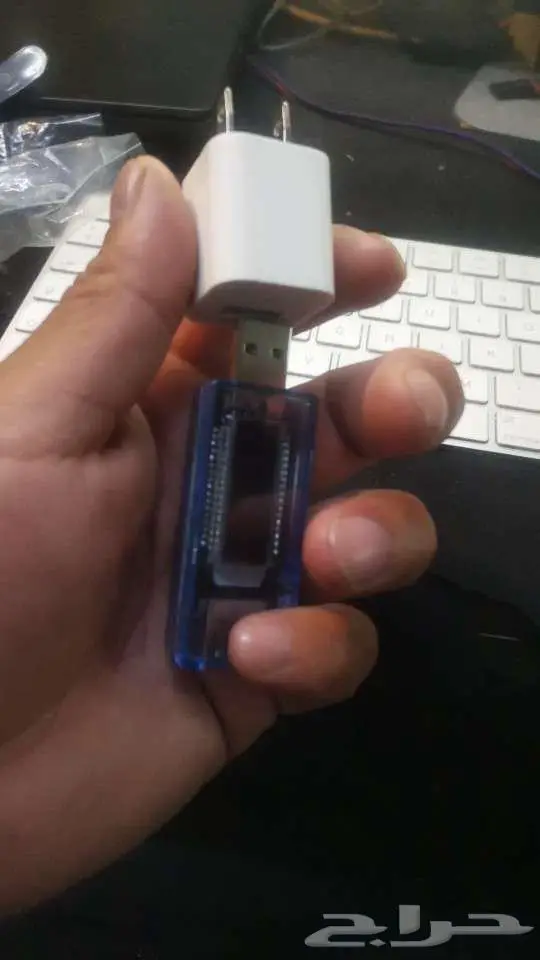
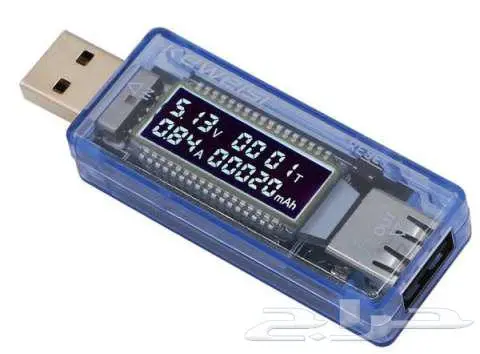
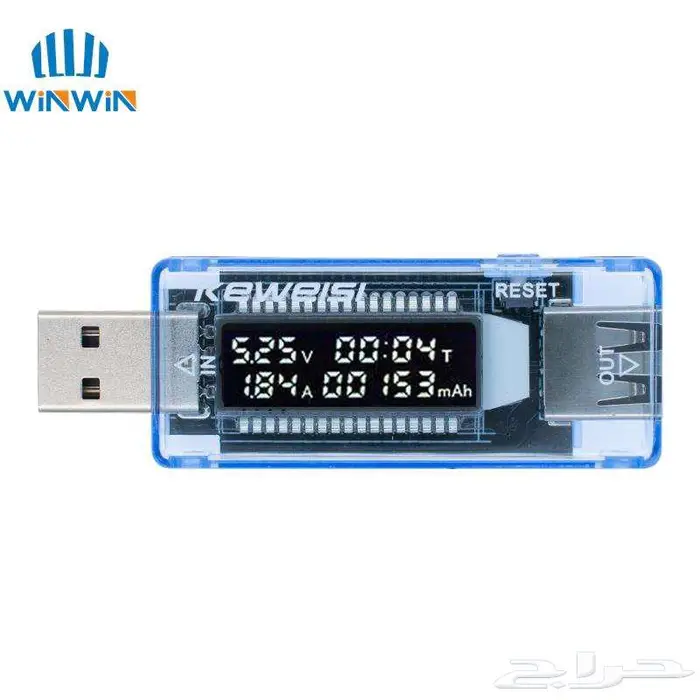
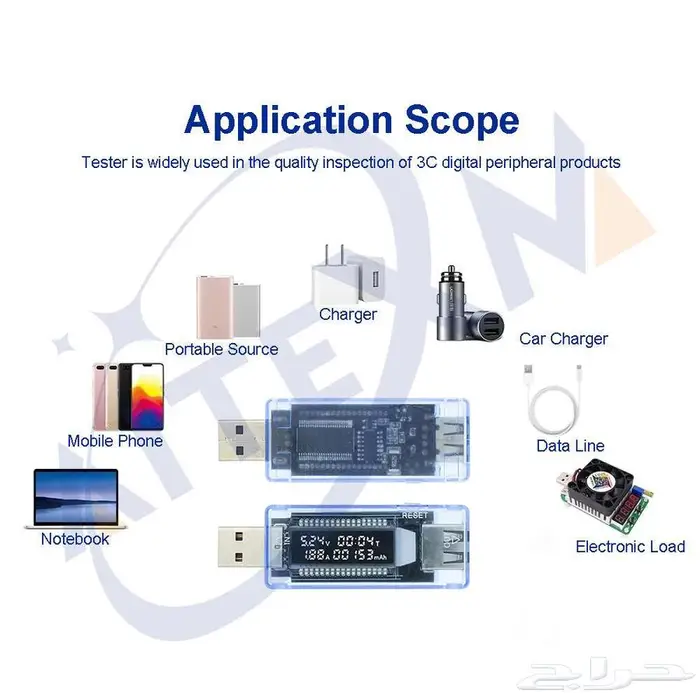
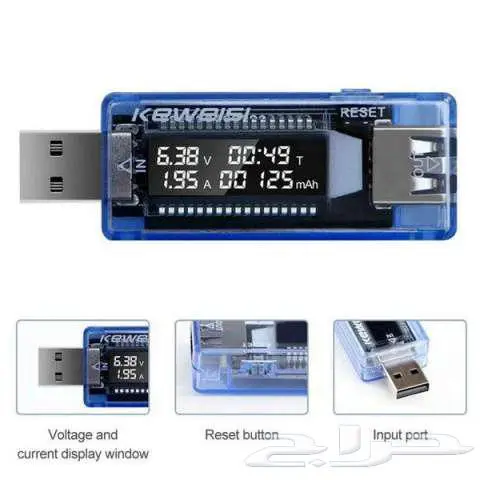
USB Tester .. Inspect USB charging ports. These are the ports through which you charge your mobile phones, whether it's a car charger port, a portable charger, a wall charger, or a computer port. Connect it between the charging port and the other end, connect the cable to your phone, and you'll know if there are problems with the charging ports or cables.
It provides real benefit in identifying if there's a problem with charging cables, wall chargers, car chargers, computer USB ports, or power banks, specifically for charging mobile phones and other devices... You might notice very slow charging... or the device overheating during charging... or the wall charger overheating. Or no charging at all. All you need to do is compare the values and readings on this device's screen with the values below to identify and understand the problem ✅
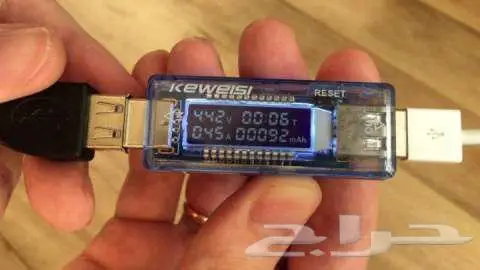
Screen Symbols and Their Meanings:
◾V / Voltage output from the source
◾A / Amperage the device draws from the charger
◾T / Time since connecting the device to the charger
◾mAh / Milliampere-hours, the energy consumed by the device
The following readings are normal and ideal:
◾ Charging from a computer port
Normal: 5.0 to 4.8 Volts - 0.5 to 0.4 Amps (Slow charging)
◾ Normal Wall Charger 5V / 1A:
Normal: 5.1 to 4.9 Volts - 1.0 to 0.8 Amps (Slow to medium charging)
◾ Fast Wall Charger 5V2A:
Normal: 5.0 to 5.1 Volts - 2.4 to 1.5 Amps (Fast charging)
Notice if the voltage reading is:
Less than 4.5 Volts: The cable is bad or too long ❌
Current less than 0.5 Amps despite a good charger: The cable or USB port is weak ❌
Device does not charge at all: Cable is broken or charger is damaged ❌
Measures:
Voltage from 4 Volts to 20 Volts
Current from 0 to 3A
Time from 0 to 99 hours
⭕ Price 15 Riyals only... ⭕